How it works.
Three ways in, depending on where you are now. Each one ends the same way: a plan you tick off, and a predicted finish worked out from what you run.
I'm starting out.
No plan yet. RacePacer builds one around your race and the time you want.
Step 1 of 4
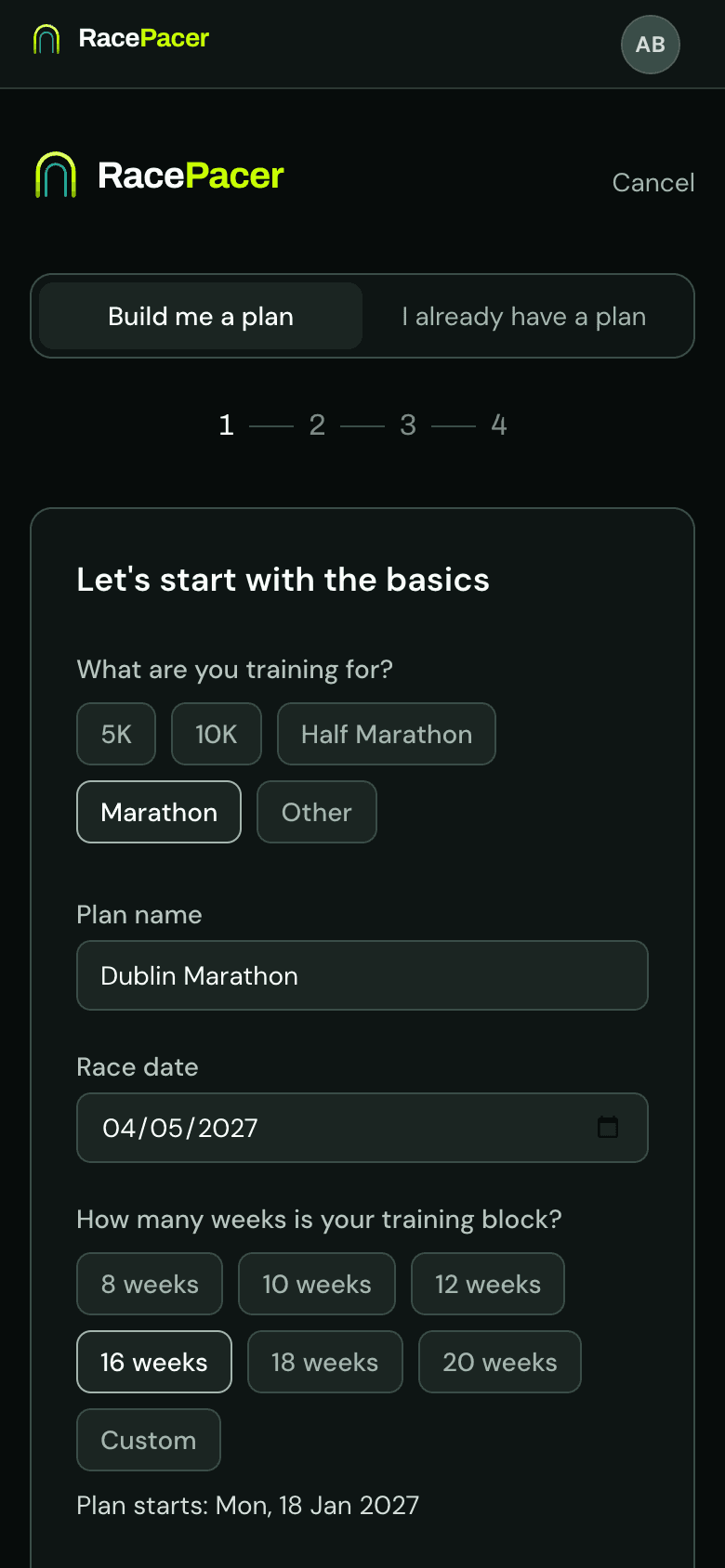
Build a plan around your goal
Tell it your race, the date and a recent time. Every week is worked back from the pace your goal needs.
Step 2 of 4
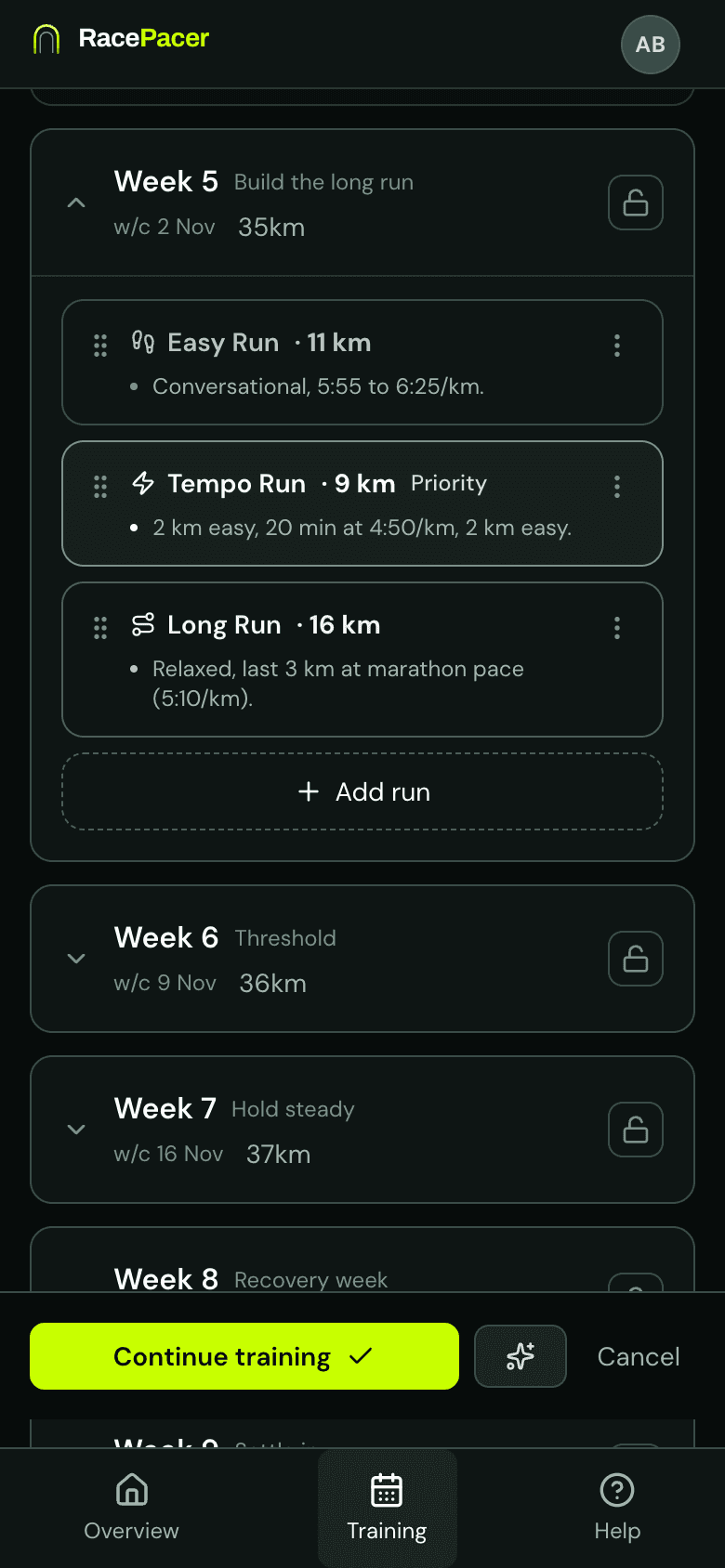
Change it without starting over
Move a run, change a distance or ask for a bigger rethink. Weeks you have logged stay as they were, and every change saves a version you can go back to.
Step 3 of 4
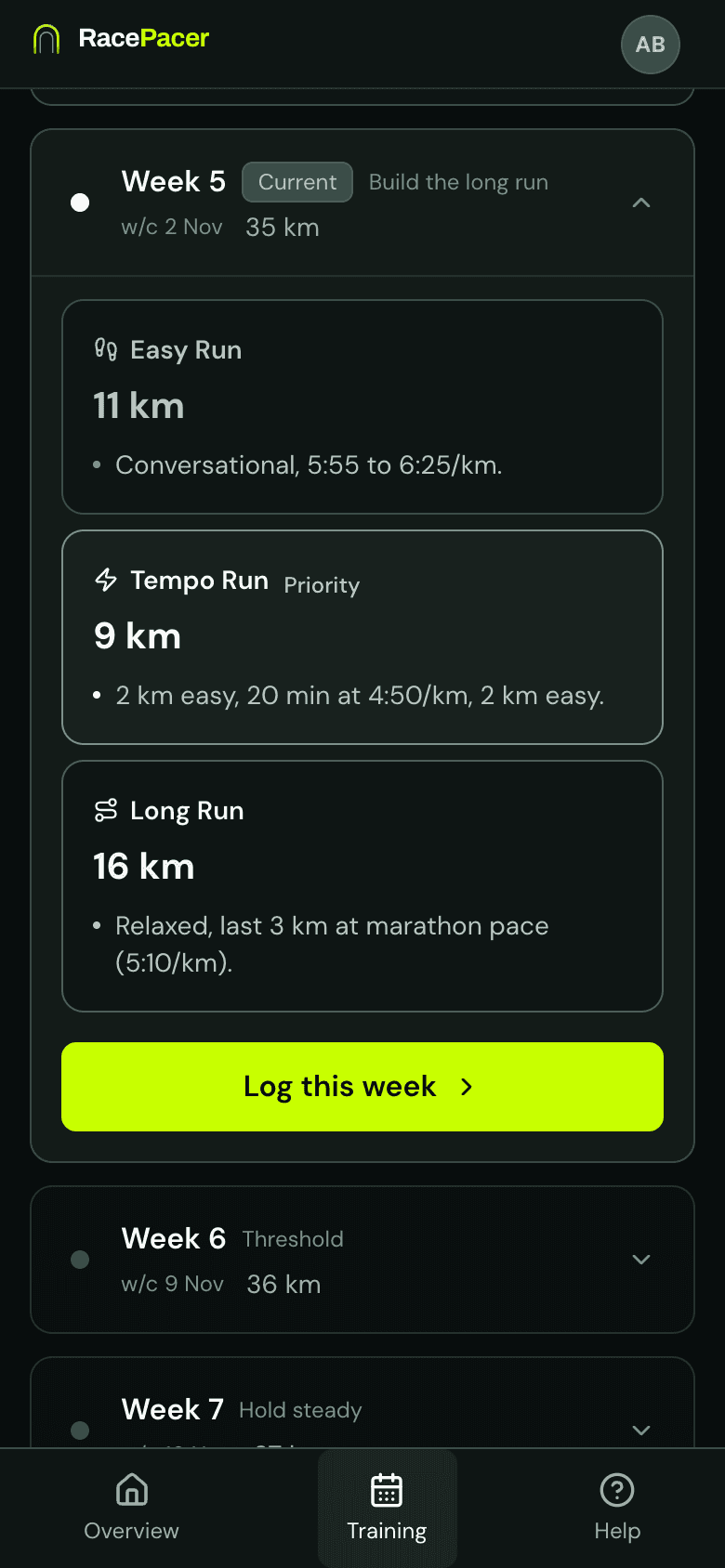
Tick off what you ran
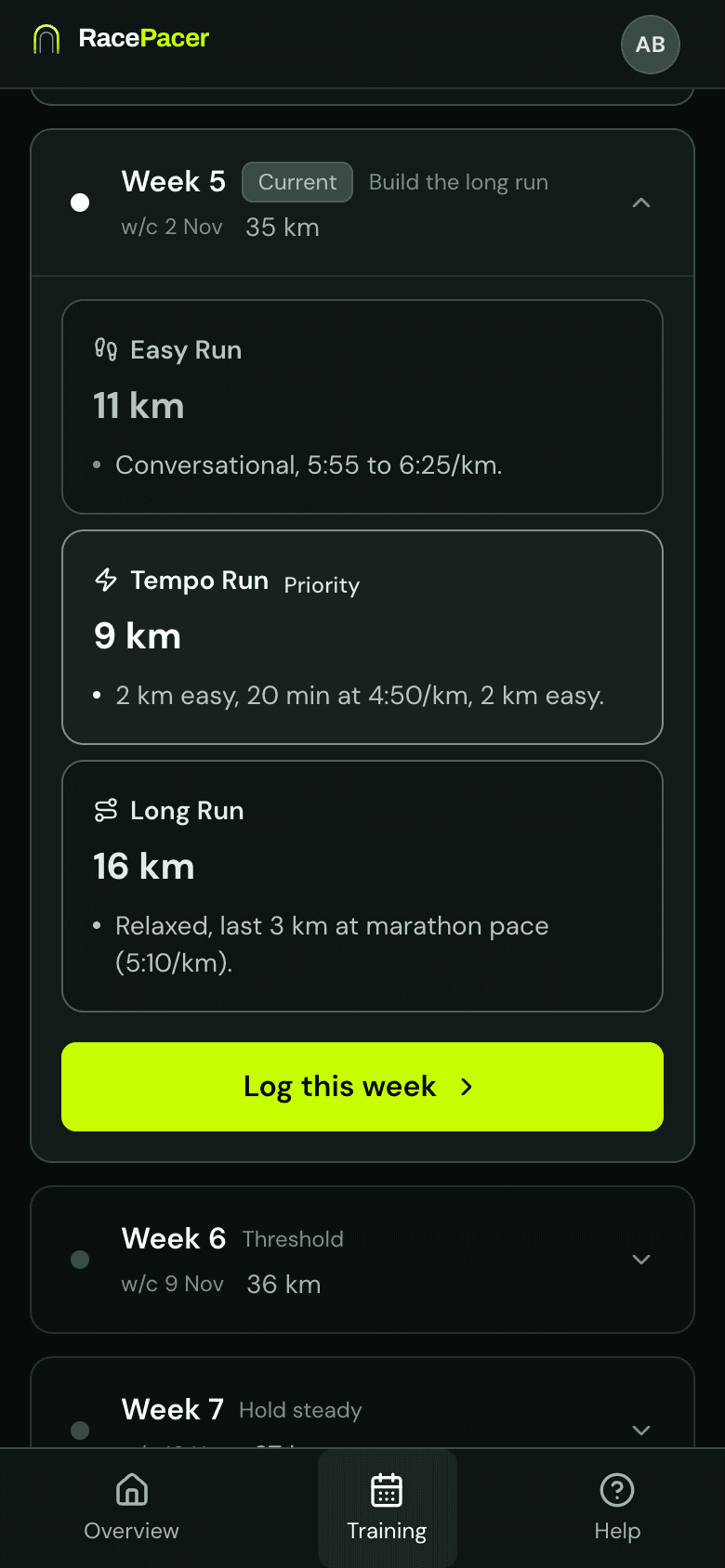
Each week shows what is planned and why. Mark sessions as you run them and log the week in about 30 seconds.
Step 4 of 4
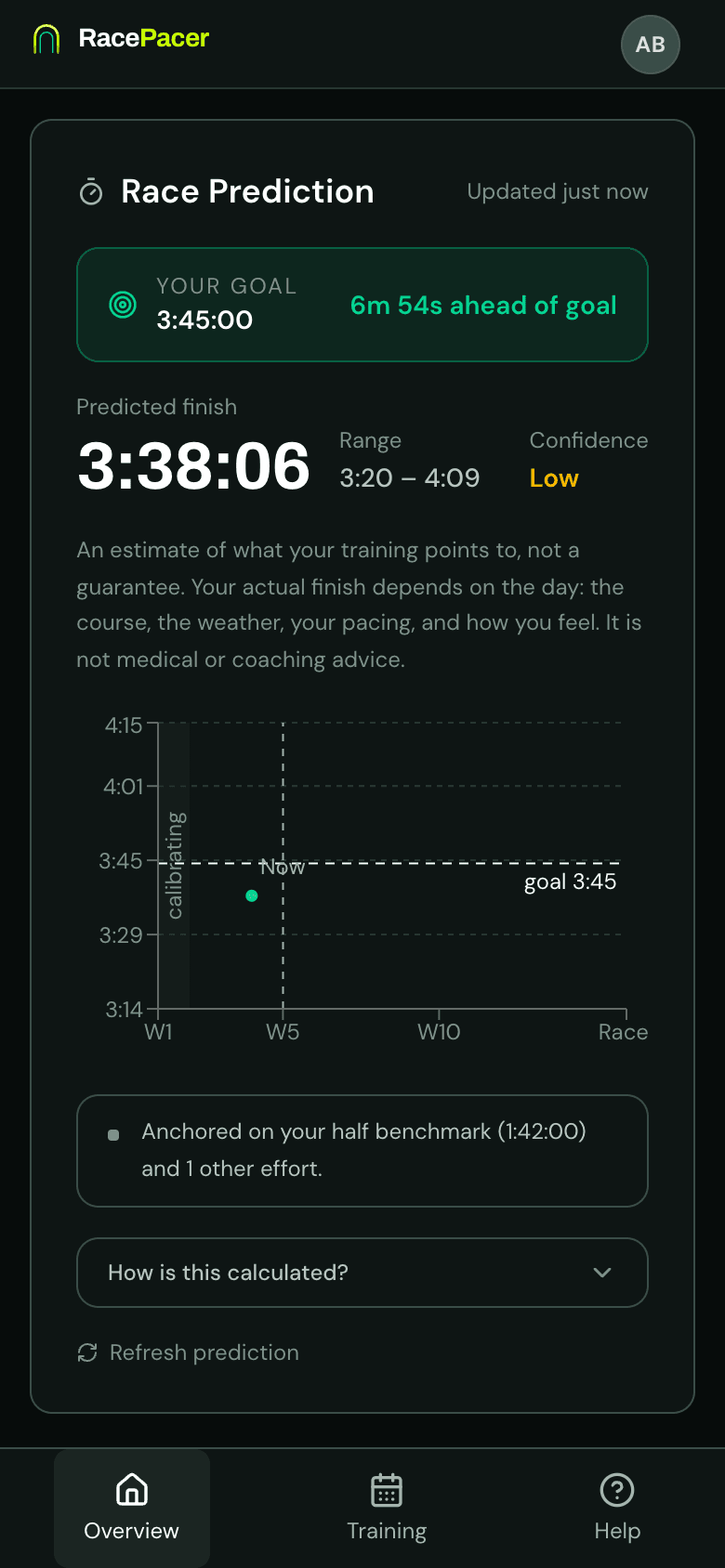
Sync your runs, watch the number move
Sync your runs and RacePacer reads the distance, the pace and the fast reps inside your intervals. Log the week and your predicted finish updates from what you actually ran. Compatible with Strava.
I have a plan.
Keep the plan you trust. RacePacer tracks it and tells you whether it is getting you to your time.
Step 1 of 3
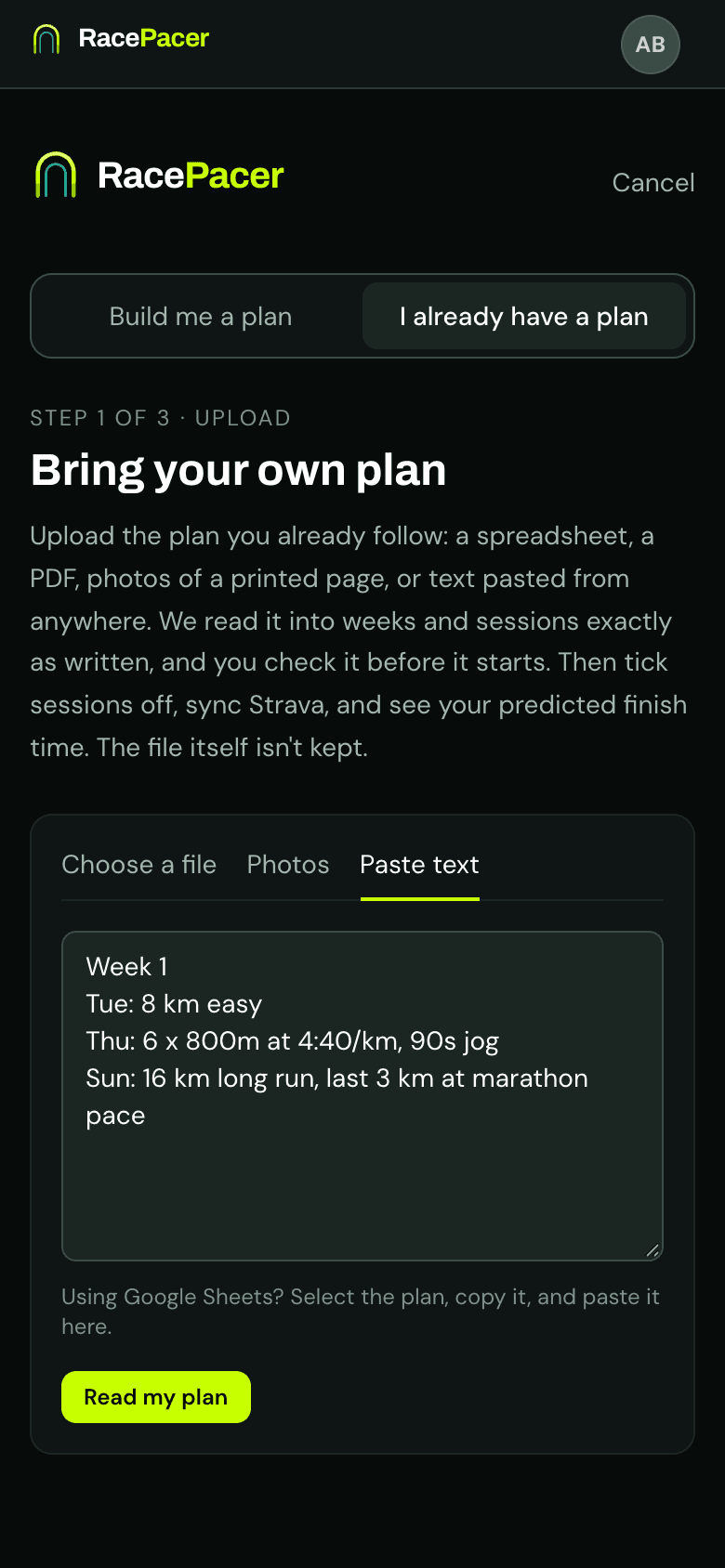
Bring the plan you follow
A spreadsheet, a PDF, photos of a printed page, or text pasted from anywhere, Google Sheets included. RacePacer reads it into weeks and sessions exactly as written, and you check anything it was unsure of before the plan starts.
Step 2 of 3
Tick off what you ran
Your sessions, your paces, kept as written. Mark them off as you run them and log each week in about 30 seconds.
Step 3 of 3
Sync your runs, watch the number move
The prediction comes from what you actually run, never from the paces written in your plan. Sync your runs, log the week, and it updates. Compatible with Strava.
I have a coach.
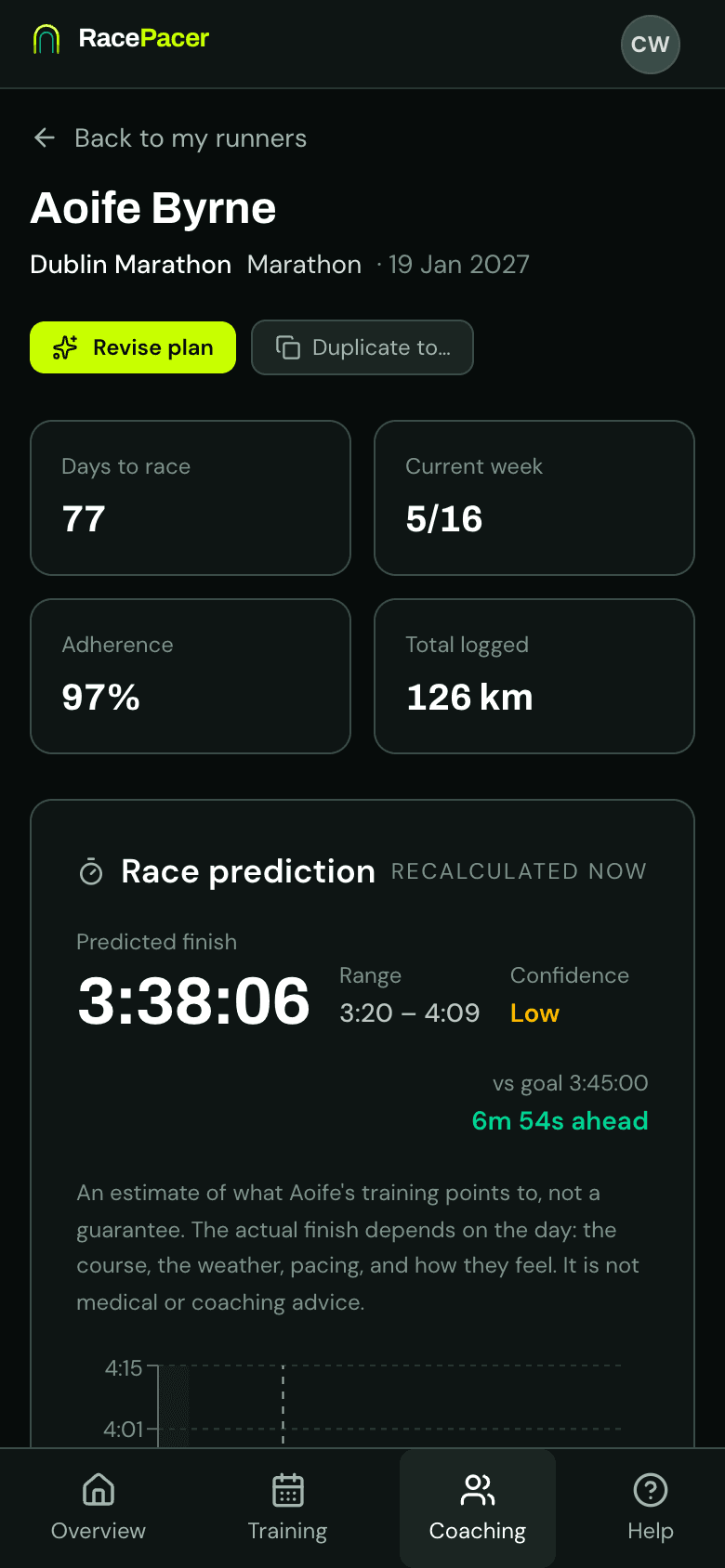
Your coach writes the plan. You run it, log it and see where you stand, and so do they.
Step 1 of 3
Your coach's plan, on your phone
Your coach sets the plan and its paces. You see each week with the reasons behind it, mark sessions as you run them and log the week.
Step 2 of 3
Sync your runs, watch the number move
Sync your runs and RacePacer reads the distance, the pace and the fast reps inside your intervals. Log the week and your predicted finish updates from what you actually ran. Compatible with Strava.
Step 3 of 3
Your coach sees how you are doing
How much you have logged, how your logged weeks compare with the plan, and where your prediction sits against your goal. They change the plan when it needs changing, and you see it straight away.